

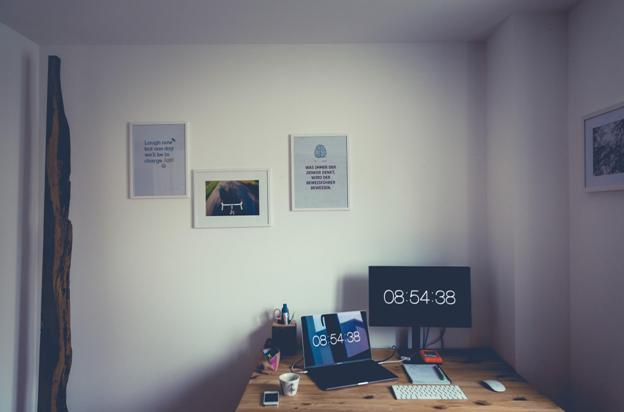
Laptops are an essential part of our life these days. These devices help us stay connected to the world at large for personal and work life. One of the most popular types of laptop or computer is the Mac. They are extremely fast and will give you an amazing working experience. But at the end of the day they too are electronic devices and thus tend to have certain problems after a certain period of time. Many times we have faced the question – how to make your Mac run faster?
If you are a Mac user, you surely know many smart tricks that help you to use your Mac better. Here are some tips that will make your Mac user experience even better.
Shake your mouse to make your cursor large
Have you ever a faced a situation when you lose your cursor amidst lots of files? This is a normal thing as many a time, the mouse gets camouflaged between files and it can get difficult to trace it. This is where this feature comes to use. All you need to do is shake your mouse and it will become bigger in size. Once it is bigger, you should not have any problem in finding it.
Command + Option + Escape
Mac might not have the Shift and Del feature but that does not mean that you have to right click and stop everything. If and when you device decides to freeze up, all you need to do is press the above mentioned keys and you will get the same feature. This not only helps you to save a lot of time but help you save your documents as well.
Direct link to dictionary – Command + Control + D
If look at any particular word that you need to look up, all you need to do is click on the word, select it and press command and control and D. This will directly show you the exact meaning from the dictionary. This is a very helpful shortcut that helps you the act of copying the word and searching it up on online or on any other dictionary app.

Split your windows
If you are working on many different things at the same time, you can split your windows to get different frames. This will help you to work swiftly without having any problem. You can easily close the windows you want when you are done with them.
Recheck your Spotlight settings
Spotlight helps you to find whatever you want on your desktop but make sure that you are checking the settings in order to keep it from draining your data and battery.
These few tips are a great way to make your Mac work faster and do the work more efficiently. When you are incorporating these tips and tricks during your Mac usage, you can be sure that you will not face much problem. This will help you to become more comfortable while using it and these shortcut and tricks will make the work process smoother and faster.

- Creating Lasting Memorials: Honoring Loved Ones with Flat Headstones - June 28, 2023
- The Advantages of Dedicated Server Hosting for Digital Marketing Agencies - May 16, 2023
- Artificial Intelligence: How computer science revolutionized competitive sports - January 5, 2023
- Bitten by a Dog? You May Be Able to Sue - August 1, 2021
- Brighten Up Your Living Room With These Useful Lighting Tips - August 1, 2021
- Animated Short Film Blush Executive Produced by John Lasseter Premiers at Tribeca Film Festival - July 28, 2021
- What You Need to do to Start an Ecommerce Business - July 27, 2021
- How to Start a Campfire: A Guide - June 28, 2021
- 5 Essential Tips to Get the Most Out of Your Online Music Lessons - November 24, 2020
- Strange But Interesting Habits You Learn While Travelling - September 4, 2020